


For frequently touched items, such as laptops, careful disinfection is still necessary. Some research reports show that there are over 3000 types of bacteria on every square inch of computer keyboard.
This also means that the work tools that accompany you every day hide countless dirt and bacteria in places that you cannot see clearly, constantly weakening your resistance. So, we should
Regularly cleaning the display screen is healthier and more reassuring.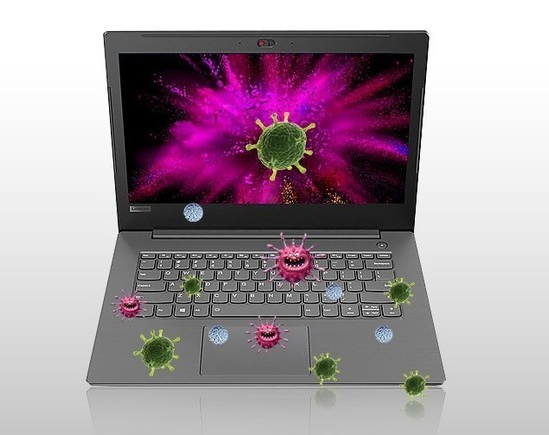
Preparation of LCD screen before cleaning
LCD screens are actually fragile and can easily be damaged if not cleaned properly. Before cleaning the LCD screen, please make sure to cut off the power and let the hot screen cool down
Come down. This not only eliminates the risk of electric shock, but also makes dust more prominent on the black screen.
Do not press the LCD screen
Do not press hard when cleaning the LCD screen, otherwise it may damage the surface or anti glare coating. Spray the cleaning solution, such as isopropanol diluted with pure water or distilled water, onto the ultrafine fibers
Place it on a cloth and gently wipe it by moving it up and down or left and right. Excessive pressure can shorten the lifespan of LCD screens, even for the most durable ones.
Suitable cleaning cloth
There are several types of cleaning cloths that can be used. We recommend ultra-fine fiber cloth here. It is light and soft, and strong enough to thoroughly clean the screen without causing damage. Microfiber cloth
The tiny fibers in it are interwoven in a complex way, allowing it to remove a large amount of dirt and dust without leaving stripes or lint. If you don't have ultra-fine fiber cloth on hand,
Cotton fabric can also be used.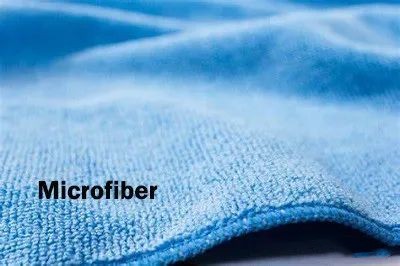
Do not spray liquid cleaner directly onto the screen
It is dangerous for LCD screens to come into direct contact with liquids, especially if they are in operation. A safer and smarter approach is to first wipe the screen surface with a dry cloth to remove dust; Then
Spray a small amount of cleaning solution onto another cloth and gently wipe the screen to remove stubborn stains; Finally, use a clean dry cloth to remove any remaining liquid on the surface.
Avoid using cleaning products containing ammonia
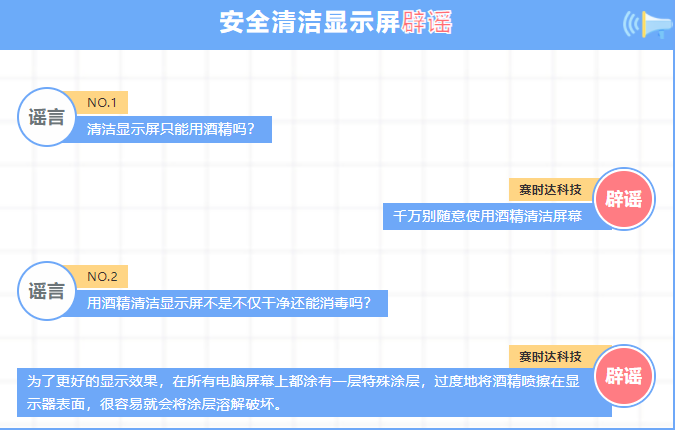
Do not use cleaning agents containing ammonia or topical alcohol on LCD screens. They can damage the extremely fine anti glare coating on the screen, thereby having a negative impact on the viewing experience, especially in
Under strong sunlight, scratches will be very noticeable.