


A few days ago, a customer sent a message online: Can you make this size of LCD screen? Approximately 29.5cm in length and 16.5cm in width.
I'm not in a hurry to reply, so I asked first: Can you confirm if this set of dimensions is the effective display area or the module shape?
He replied: It's the effective display area, which is the part that can display the image.
I calculated that √ (295 ² 165 ²) ≈ 338.0mm, divided by 25.4, equals approximately 13.31 inches. In the industry, it is generally referred to as a 13.3-inch screen.
He added, 'I used to ask the supplier about the length and width of the shell, no wonder it always didn't match.'.
It's really not his fault for this. The size of the display screen may sound the simplest, but in reality, it is the easiest to bury pitfalls in selection, quotation, structural stacking, and overall communication.
Especially for teams that make monitors, laptops, advertising machines, and terminal devices, once the size is misunderstood, it may lead to rework during mold making, assembly, packaging, and customer acceptance.
Today, let's explain the parameter of LCD screen size in detail.
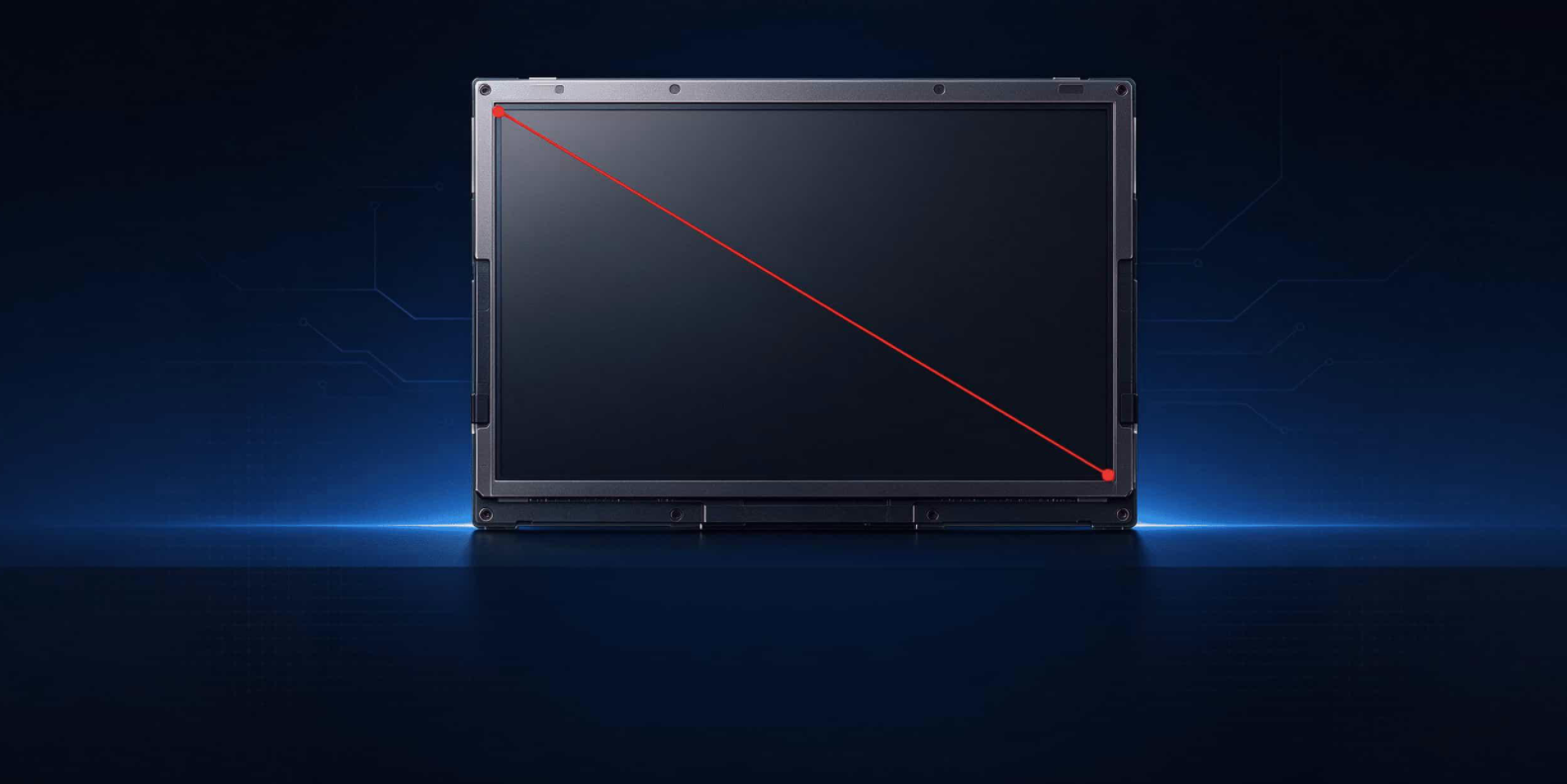
1、 A few inches, referring to the diagonal
The display screen says' a few inches', which refers to the diagonal length of the effective display area, measured in inches, with 1 inch=25.4mm.
Pay attention to two keywords: effective display area and diagonal.
The effective display area, commonly known as AA zone in the industry, refers to the area that can truly illuminate and display images. Borders, black borders, shells, and structural components are not included. You take a caliper to measure the outer shell of the whole machine, but what you measure is not the screen size; You only measure length or width, not screen size.
The formula is simple:
Screen size (inches)=√ (effective display area length ² effective display area width ²) ÷ 25.4
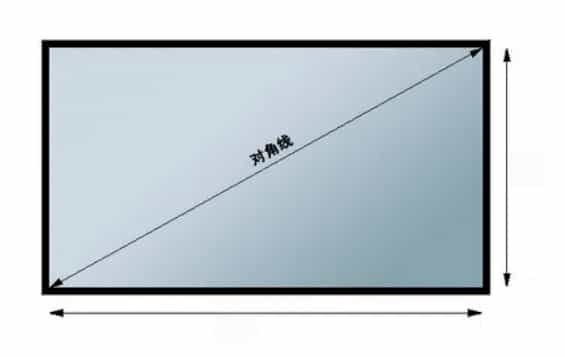
The unit of length and width is in millimeters; If the unit is centimeters, divide by 2.54.
The 13.3-inch example mentioned earlier is the standard algorithm: the effective display area is about 295mm long, 165mm wide, and 338.0mm diagonal. Dividing by 25.4 equals 13.31 inches, which is commonly referred to as a 13.3-inch screen in the industry.
The shell size and module shape are only structural references and cannot be used to report screen size. The key is to confirm that 29.5cm × 16.5cm is the effective display area, not the casing. There may be slight differences in the AA area for different models, and the final specifications shall prevail.
Intuitive note: a 20 inch screen with a diagonal of approximately 51 centimeters; 5-inch mobile phone screen, with a diagonal of approximately 127 millimeters. One inch is 25.4 millimeters, just divide the diagonal to get it out.
One sentence: Borders can deceive the eyes, diagonals won't.
2、 B-end selection, the biggest fear is that the size and caliber are not aligned
The 13.3, 14, 15, 15.6, 18.5, 22, 23.8, 27, and 31.5 inches that we usually encounter are all on a diagonal line, but when placed in the whole machine, the scene is completely different.
For laptops, 13.3, 14, 15, and 15.6 inches are common ranges. 13.3 and 14 are only 0.7 inches apart, which looks similar, but when placed in the B-side ID, frame width, camera module, and antenna clearance, the structural engineer needs to recalculate.
14 inches are a common feature of mainstream office laptops, while 15 and 15.6 inches are more commonly found on large screen laptops, gaming laptops, or industry terminals. When communicating with panel manufacturers, structural manufacturers, and brand owners, only reporting "14 inches" is not enough. It is best to provide the size ratio AA, length, width, external dimensions, and border requirements together.
For monitors and advertising machines, 18.5, 22, 23.8, 27, and 31.5 inches are more common.
18.5-inch small-sized displays, advertising machines, and terminal devices;
22 and 23.8 inches are familiar faces for office monitors and retail advertising machines;
27 inch towards desktop screens;
31.5 inches are commonly used in large screen displays, advertising machines, and industry terminals.
The larger the size, the more it is necessary to determine the line of sight, installation method, power consumption, and backplane structure in advance. Advertising machines are particularly obvious: wall mounted, floor standing, and suspended, with different line of sight, the size selection logic is different.
There is an easily overlooked point here: also known as "a few inches", the length and width of AA area vary greatly depending on the proportion.
16: 9. 16:10, 21:9, and even irregular screens, with the same diagonal and many differences in length and width. So using only "length x width" to reverse the size, or only "a few inches" to determine the structure, is prone to errors.
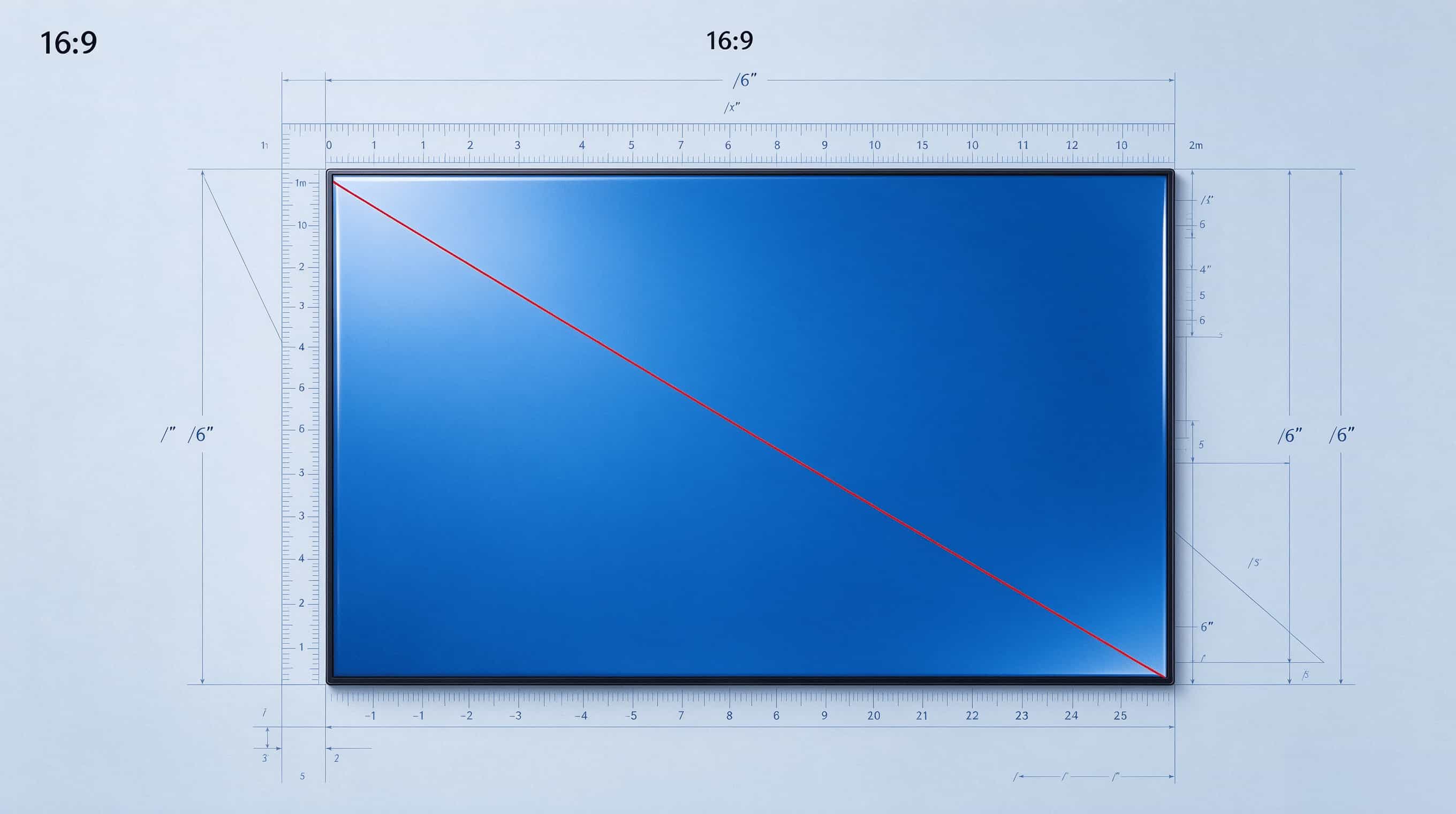
The table below is recommended to be stored directly in your phone. According to the common 16:9 widescreen estimation in the table, the approximate length and width of the AA area may vary among different panel manufacturers and models. The final specifications shall prevail.
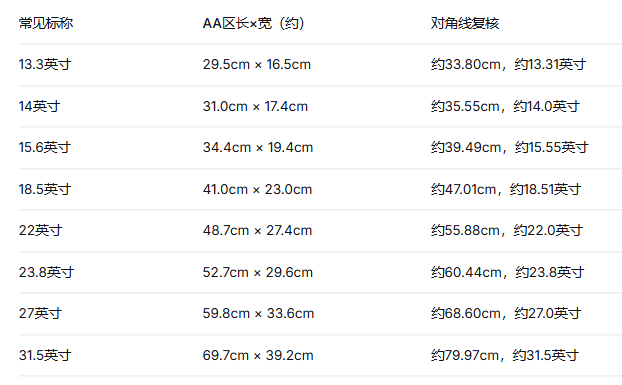
This table can be directly used for checking the length and width, but remember: first confirm if it is the AA area, and then set the formula.
3、 Don't confuse resolution with size
By the way, size and resolution are two different things. The size is measured by the diagonal of the AA area, and the resolution is measured by the number of pixels.
Early displays, some industrial screens, and terminal screens commonly used 1024 × 768, with a 4:3 ratio; Nowadays, mainstream displays generally start at 1920 × 1080 and are 16:9; 1280 × 800 is 16:10.
There is an easy confusion here: 1280 × 768 is 5:3, not 16:9. 1280 × 720 is 16:9. When discussing parameters with customers, don't confuse these two.
Large screens usually need to be matched with higher resolutions, otherwise the graininess is obvious when viewed up close; But it's not necessarily the higher the better, it depends on the line of sight PPI、 Cost, driving capability, and overall solution.
4、 Selection sequence: First determine the AA area, then discuss a few inches of screen
Don't take size as the starting point, take it as the result. The more stable sequence is:
First, determine the overall space and line of sight of the machine, then determine the AA area, then deduce the dimensions, and finally check the frame and shape.
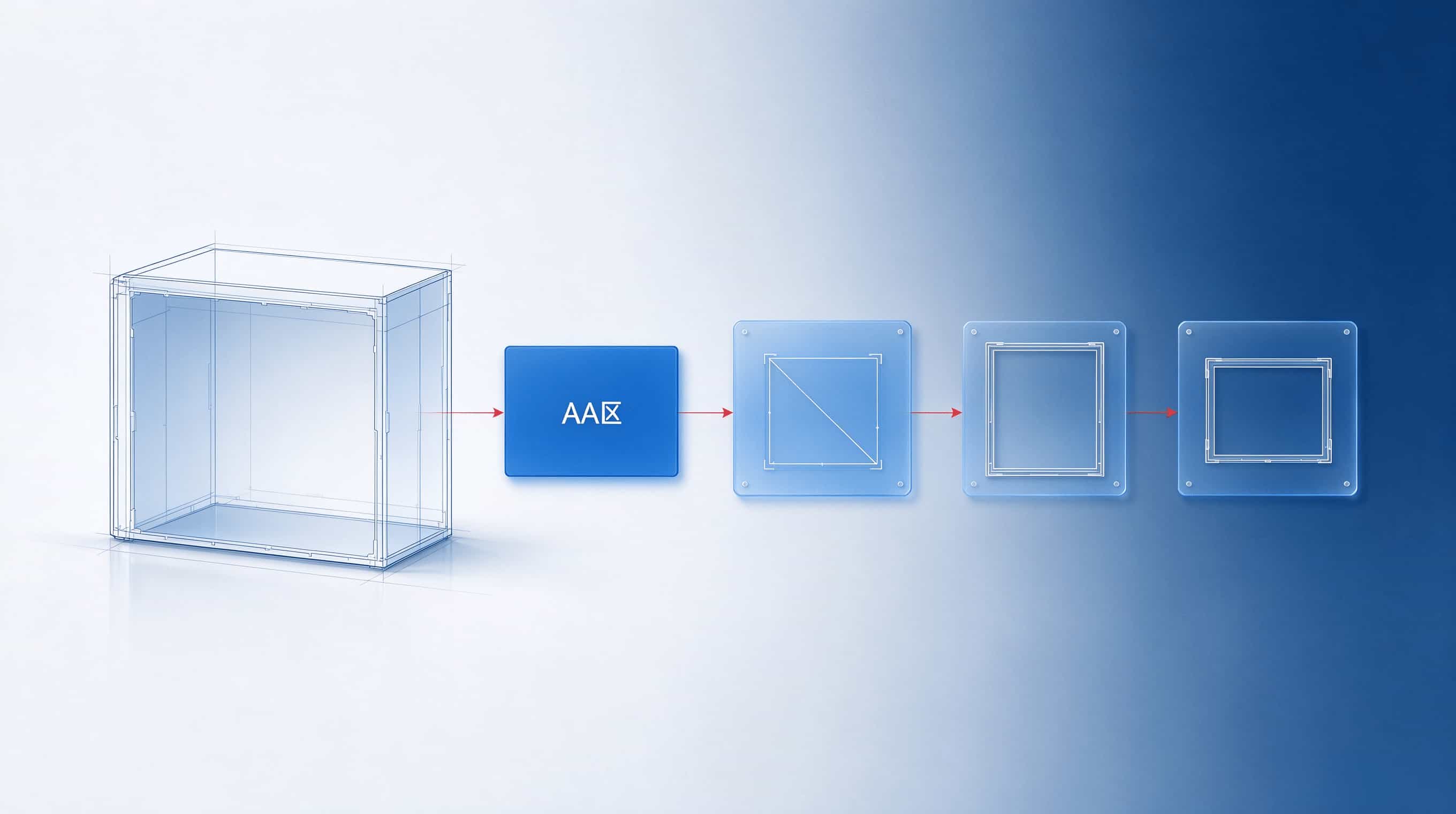
Specifically, do four things:
Firstly, look for the effective display area AA in the specification sheet, instead of looking at the shell diagram first.
Secondly, double check with the diagonal formula, especially when the supplier only provides length and width without inches.
Thirdly, unify the communication criteria: size, proportion, AA length and width, external dimensions, and border width, all five items should be sent together.
Fourthly, for laptops, check the B-side stacking and borders; for monitors, check the bracket and line of sight; for advertising machines, check the installation scenario; and for terminal devices, check the openings and protection. The size is not isolated, it has to obey the whole machine.
First, select the AA area for screen selection, and then talk about a few inches of screen. This sentence sounds simple, but it can save many meetings.
Another small reminder: when quoting and accepting, don't just write "13.3 inches" or "23.8 inches". Write down the length, width, external dimensions, and border requirements of AA area in the same table, and avoid tearing at the back. The biggest fear of B-end projects is not having too many parameters, but having inconsistent standards. The size is not used to measure the shell, it is used to align the caliber.
The issue of display screen size ultimately boils down to one sentence: a few inches is the diagonal of the effective display area, not the length and width of the casing. You align this caliber with the structure, procurement, suppliers, and customers, and many rework won't happen at all.
If you are working on a new project, you may want to pass on this list to the team: dimensions, proportions, AA area and width, external dimensions, and border requirements. Align the five items and proceed further.
You are also welcome to forward this article to the colleague who is still measuring the shell and asking 'how many inches'. Stepping into one less pit is like saving money.
#Screen size # LCD screen # LCD display screen # AA area # How to calculate screen size # Monitor selection # Laptop screen size # Narrow border