


Old Wang, who makes laptops, chose a screen with parameters that seemed "sufficient" to be installed into the new model last year in order to control the budget. At first glance, there is a dark dot in the middle of the screen, and the return rate has skyrocketed to 15%.
Customer reminder, after-sales follow-up, one screen dragged the entire machine into the rework cycle.
Later, Lao Wang said a big truth: screen selection is not about choosing what looks usable, it's about choosing what can be installed without any hassle.
Put that in15.6 inchesUp, especially accurate. This size can be used anywhere,Laptop, industrial control, car mounted, advertising machineEveryone is using it. But if you choose the wrong parameter, there are more than one way to overturn. Today, let's break down the four most common pitfalls and explain them clearly. First avoid pitfalls, then talk about other things.
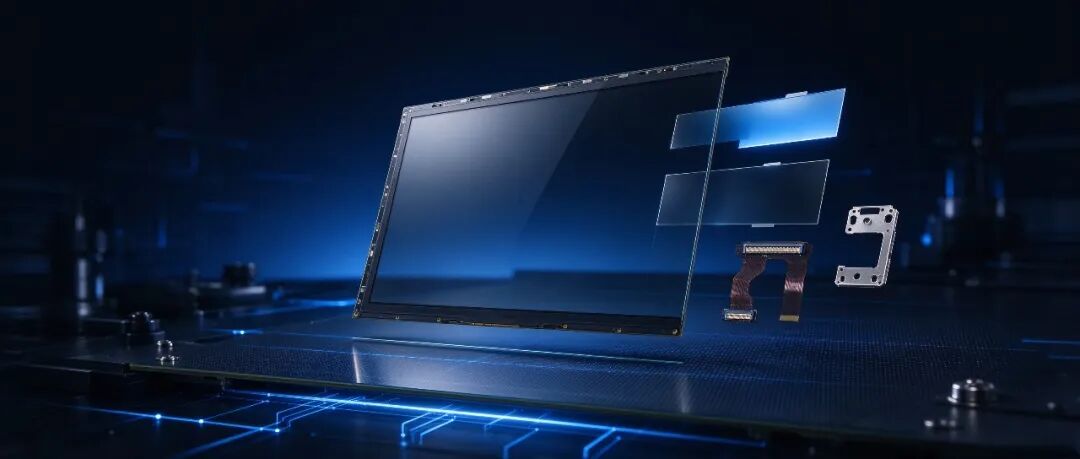
Let's start with a fact: 15.6 inches are difficult to replace
The 15.6-inch visible area is approximately 344 × 194mm. The beauty of this size is that it can fit a complete FHD screen perfectly. The text is not crowded, the charts are not blurry, and the overall volume of the machine is not out of control.
It goes without saying that 15.6-inch laptops are one of the absolute mainstay of traditional notebooks.It also frequently appears in portable displays, industrial control consoles, medical monitoring terminals, and in car central control systems.
Industry data shows that in July 2025, 15.6-inch control screens accounted for 7.9% of passenger car shipments, with 317000 pieces per month, ranking third. It is not a transitional size, but a standard size that has been validated by a large number of complete machine solutions.
But precisely because there are many people using it, the pits are also the most densely packed.
rulerInches are the starting point, scenes are the answer. First ask where it is used for screen selection, and then ask about the price.
The first pitfall: not looking at the panel type, the rest are all remedies
Many engineers get their requirements and the first thing they do is flip the resolution. FHD, 1920 × 1080, that's right. But for a 15.6-inch screen labeled FHD, the panel type can differ by an entire product line.
TN screens are cheap and responsive.The viewing angle is narrow, and the color will float slightly off center. Placed on the industrial control HMI, when viewed from the side of the operator's station, it may be difficult for them to pass by. When placed on a laptop or monitor, users will immediately feel 'why is this screen so poor?'.
IPS is currently the mainstream for laptops and displays.Wide viewing angle, stable color, even when a few people gather around to observe, there is no color deviation. But there are also differences between IPS and IPS. Ordinary IPS is sufficient. Wide color gamut is suitable for design and audiovisual applications. High brightness IPS can withstand semi outdoor or strong light environments.
Set the scene first, then set the panel.Don't use consumer grade thinking to choose industrial screens, and don't use TN solutions to deceive terminals that require multiple viewers.
Wrong panel selection, all subsequent remedies; Choosing the right scene will result in less rework later on.
The second pitfall: brightness only depends on whether it is bright enough, not on where it is used
The 15.6-inch brightness span is very large.
Laptops and indoor offices,250 to 300nits is a common configuration.Ordinary indoor advertising machines,500 to 700 nits can hold up.
But for a semi outdoor, window backlit, and direct sunlight car center console, it takes 1000 nits to start. The environment of bus stops and charging stations being exposed to sunlight all day long requires 1500 to 2500 nits to truly be "visible".
There is an easily overlooked point: highlighting is not as simple as changing the backlight. If the brightness is increased, the heat dissipation, power consumption, backlight life, and overall thermal design of the machine all need to be recalculated.
Not presenting the worst-case lighting conditions during the selection phase may lead to the possibility ofThe prototype is very bright, but mass production generates heat and reduces brightnessEmbarrassment. Changing the backlight is much more expensive than choosing it right from the beginning.
Brightness is not a number on the parameter table, it is the confidence of your product standing in the light.
The third pitfall: The interface looks like it can connect, but in reality, it doesn't light up
The 15.6-inch interface ecosystem is more fragmented than many people imagine.
Consumer laptops and portable screens,EDP is absolutely mainstream. Thin, with few threads, suitable for high-density design.
Industrial HMI, industrial control computer, existing platform, LVDS is still a widely used interface in many solutions.Stable anti-interference and mature ecology.
HDMIUsually it is not a native interface of the panel, but is converted through the driver board.
The problem is not which interface is better. The question is which type of motherboard your motherboard is compatible with.
The more hidden risks are:The screen and motherboard are both selected correctly, but the adapter board, cables, and backlight control do not match. Or the supplier may have made a version change to a small part number, and only discovered compatibility issues during the lighting phase.
The lifecycle of industrial products is often much longer than that of consumer electronics. When selecting, it is much more important to ask "Will this interface solution remain stable in the next two to three years" than to add 50 nits to the parameter table.
Adding 50 nits to the parameter table is not as stable as the interface for three years.
The fourth pitfall: A rules and B rules, it's not enough to just use them
B is cheap, use it first. ”This is the high-frequency starting point for selecting overturning.
The definitions of A and B regulations in the industry are not completely unified,But the core logic is consistent:A regulation has stricter restrictions on the number and location of bad pixels, while B regulation allows for more bad pixels and minor defects.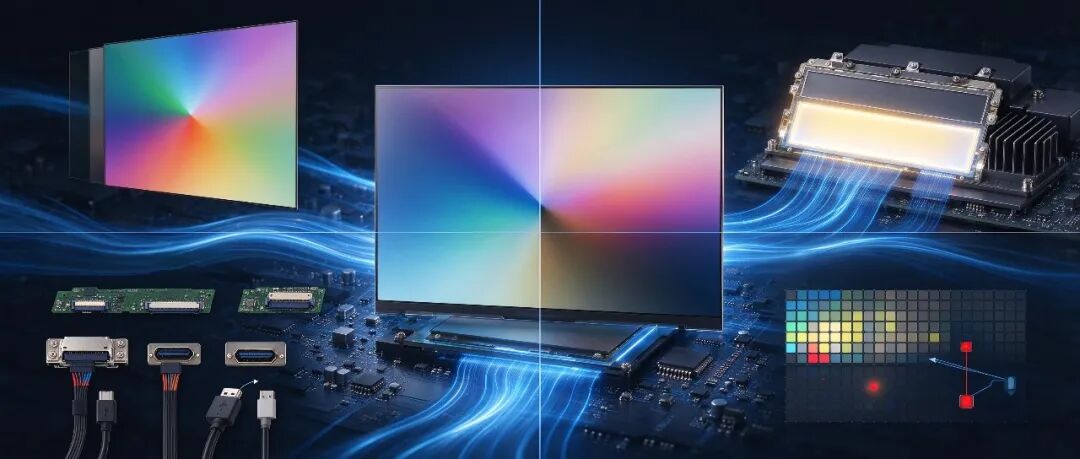
B rules are not unusable. Low end advertising machines, testing equipment that is insensitive to display, and internal engineering machines can help you control costs with B-specifications.
But laptop users are close to the screen. Monitor users should stare at the color accurately. Medical and industrial control scenarios have almost zero tolerance for abnormal displays.These products use the B standard, and the saved procurement costs are likely to double the return rate and after-sales costs.
The higher the level, the better. It aligns with the positioning of your product. Medical and high-end displays are moving up. Ordinary office and indoor terminals, A standard is sufficient. Low sensitivity scenarios, then consider lowering them.
Cheap on the purchase order, expensive on the after-sales order.
Speaking of applications: In which industries is 15.6-inch really used
Pen computers and portable displays are the most basic basic drives. FHD has sufficient pixel density at this size, clear text, and easy control over overall thickness and weight.
Laptop screen selection additionally focuses on two indicators:Power consumption directly affects battery life, and narrow bezels directly affect selling points.
The industrial control HMI and automation terminal are 15.6-inch heavy-duty scenarios.The production line control panel, equipment control panel, and machine vision terminal require wide temperature range, anti-interference, and long lifecycle.
The 15.6-inch industrial module achieves a wide temperature range of -30 ℃ to 85 ℃, 450nits brightness, and LVDS interface, which is a mature solution.But the delivery time and long-term supply stability need to be locked in during the selection stage.
The usage of medical equipment is very specific:Mobile nursing workstation, vital sign monitoring, portable ultrasound, laboratory analyzer.This scene requires more than just "brightness" and "clarity". Blue light filtering, glove touch, disinfection wiping, wide temperature start,These are all details that must be confirmed in advance when selecting.
15.6-inch medical grade displays commonly have a brightness of 400 to 500nits,Combined with multi-point capacitive touch and easy to clean glass surfaces, this is the product of this logic.
The layering between advertising machines and commercial displays is most evident.Indoor shopping guide screen and elevator screen, with sufficient conventional brightness. Showcase and semi outdoor, starting at 1000nits. A completely open-air scene with over 2000 nits, combined with anti glare treatment and automatic dimming, is truly visible.
Vehicle mounted central control is one of the most clear directions for incremental development.15.6 inches account for about 7.9% of the market share in car screens, not the only large screen size, but it is already an undeniable category.
The requirements for wide temperature range, high brightness, and long-term reliability in vehicles are one order of magnitude higher than those in consumer electronics.The selection logic is closer to industrial grade, not laptop grade.
A good screen is not about having the highest parameters, it's about having the after-sales service contact you at least.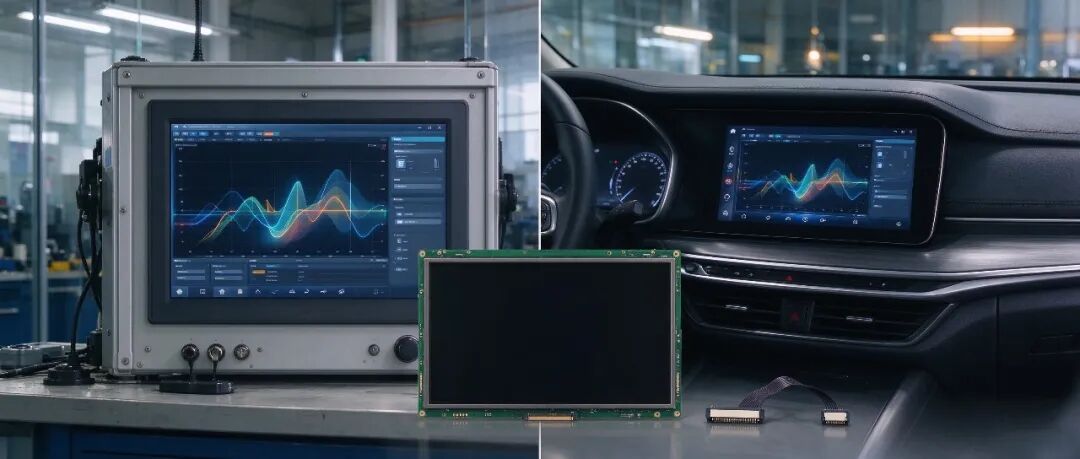
To be honest,The reason why 15.6 inches are "versatile across multiple industries",Not because it is omnipotent. It is because of its size, resolution, and supply chain maturity that the whole machine factory has a risk controllable starting point.
But the starting point is not equal to the ending point.
The panel type, brightness, interface, grade, wide temperature range, and long-term supply must be matched with real usage scenarios for each item.
That's right, it's the most stable puzzle piece in the whole machine. No, it's the most familiar line on the after-sales order.
If you are selecting 15.6-inch modules, or other sizes for laptops, monitors, advertising machines, or terminal devices, you may want to forward this article to the colleague in charge of selection.Talking about procurement and research and development on the same table is much more convenient than taking selfies.
Size is the starting point, matching is the endpoint. Don't let one screen wear down a whole machine; Don't let a one-time compromise turn into repeated rework.
#TFT LCD Screen # LCD Screen # 15.6 inches # LCD Display Module # IPS Screen # LCD Screen Selection # Selection Avoiding Pits # LCD Screen # Wide Temperature Screen # High Brightness Screen